In Rackbeat, you can perform two types of transfers: standard transfer and transport transfer. This guide explains the difference between the two and how to efficiently manage these processes.
Table of Contents
Movements
This is the basic form of moving goods from one location to another within the company.
Creating a movement
-
Select the "Products" tab.
-
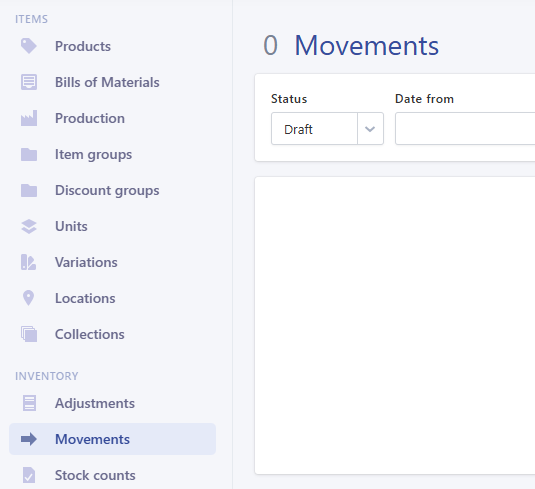
Click "Movements" in the menu.
-
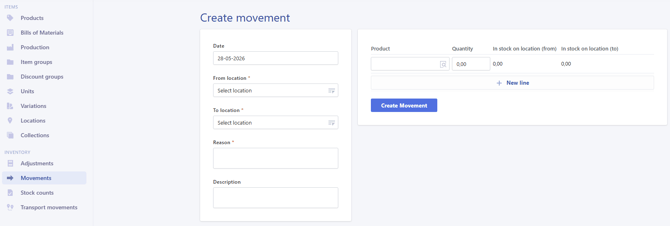
Click "Create New" to enter details such as date, from and to location, and reason.
-
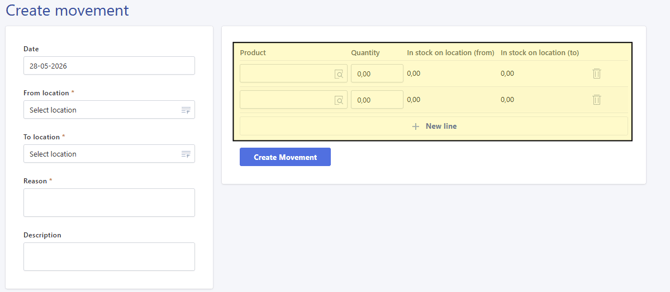
Select product and quantity. If you need to move multiple products, click "New Line".
-
Save as draft and click Book to confirm the movement.

Transport Movements
This type of Movement is used for goods that are in long-term transport, for example in a container or on a cargo ship.
Creating a Transport movement
-
Select the "Products" tab.
-
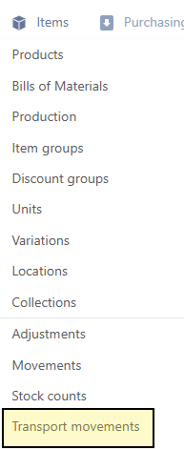
Click "Transport Movement" in the menu.
-
Create a new movement and specify the date as well as three locations: startpoint (From), endpoint (To) and transport location.
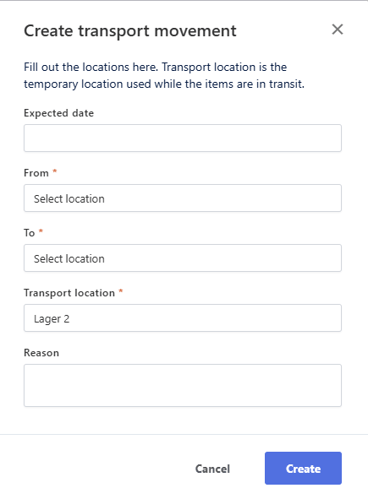
-
Click "Create" to add products.
-
Add products and quantities, then click book to start the transfer.
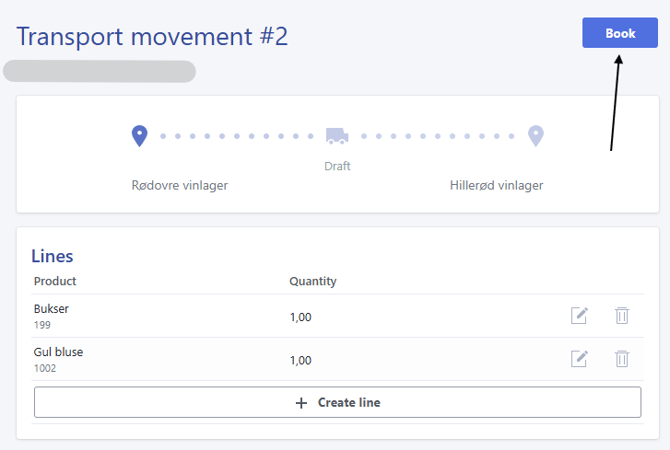
- Booking the move, will move the products to the chosen 'Transfer location'.
- The complete the movement, click on 'Create receipt'
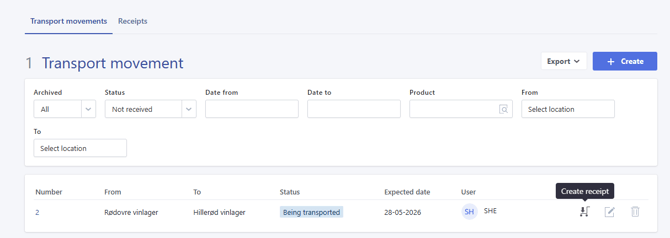
- Click on 'Yes, continue'
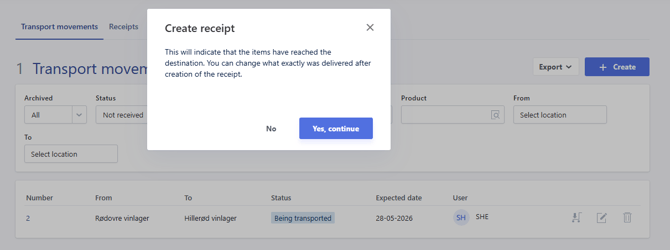
- Finally, click 'Receive' to complete the Transport movement
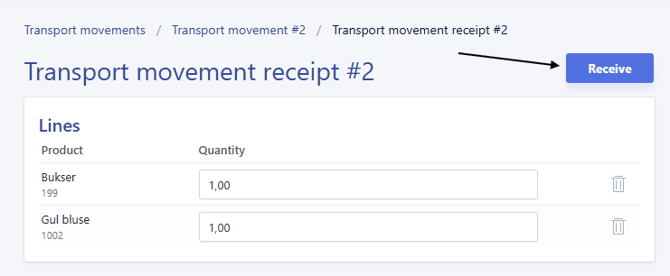
- Click on 'Yes, continue'
The products are now moved to the final destination.
Importing Movements
To import transfers, see the guide here: How to import movement
Please note: Transport movements cannot be imported.